JSesh 9 Documentation
Haplography and lacuna marks
Some edition, in particular synoptic editions, use a number of specific marks and arrows:
- a line with an arrow head at each end marks a haplography, a passage omitted in this copy of the text (a “running variant” );
- a dashed line marks a lacuna of known length, where nothing is restored.
- haplography
A1-%haplography-B1 - lacuna
A1-%lacuna-B1
They mostly make sense when parallel texts are displayed. For this, see Synoptic edition.
Adding Haplography or Lacuna marks
- Put the cursor where the line should start.
- Choose Insert > Haplography... or Insert > Extended lacuna....
- Give its length, or check Fill the line (or the tab cell).
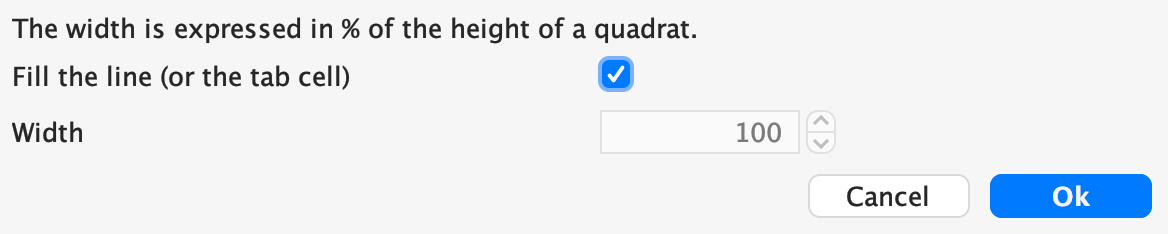
The Width is in percent of the height of a quadrat: 200 is two quadrats long.
With Fill the line, the line takes all the free space up to the end of the line (or, in a synoptic edition, up to the next column). This is useful when the lacuna goes to the end of the line on the monument.
In a text written in columns, the line is vertical.
In the code
%haplography, %lacuna. Older texts used ^-..-..-^ and ?-..-..-?; JSesh reads them as these marks.