JSesh 9 Documentation
The text library
JSesh comes with a library of encoded texts: literary texts, stelae, letters, extracts of religious texts... They are useful as examples, for teaching, and as a starting point for your own work.
Opening a text
Choose File > Browse Text Library…. A window lists the titles of the texts.
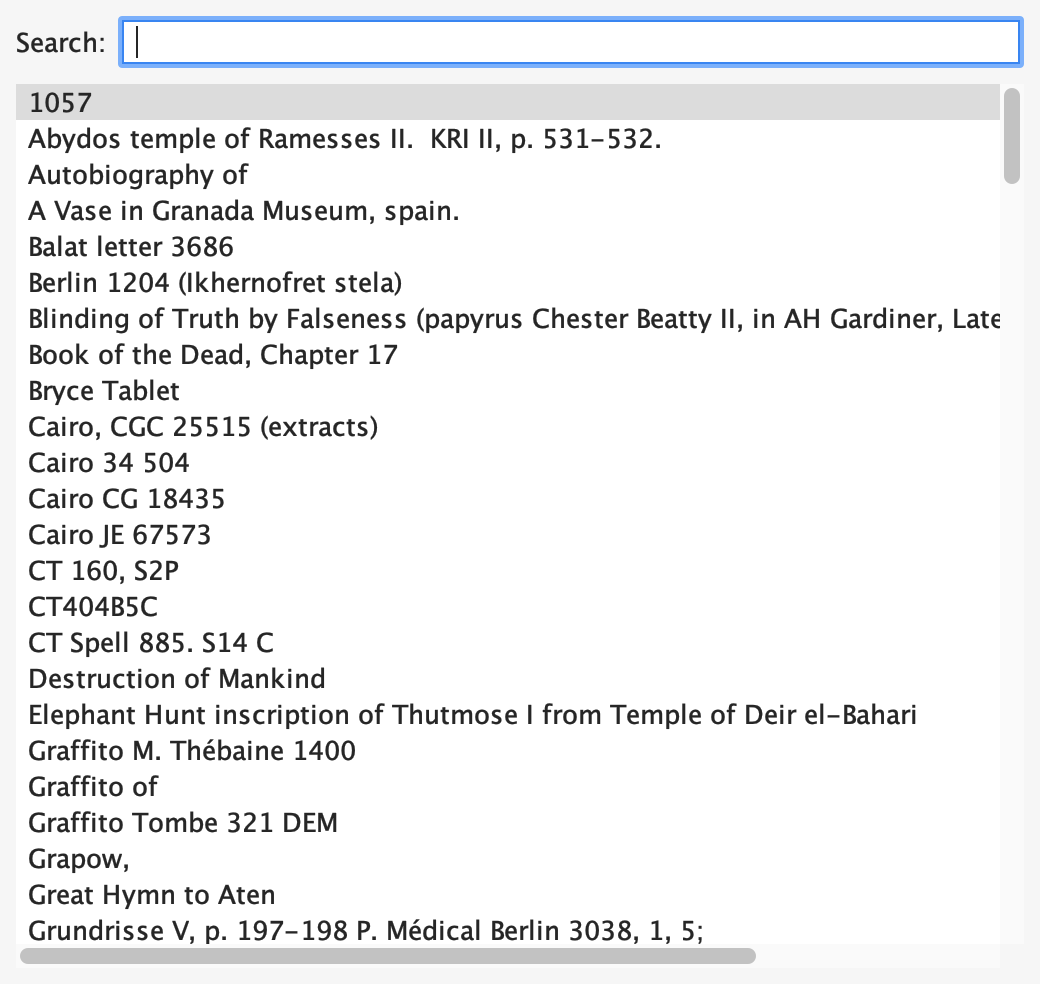
- Type a few letters in Search to show only the matching titles (accents and case do not matter).
- Double-click a title, or select it and press Enter, to open the text in a new window.
The text opens as a new, unsaved document: if you change it, save it under a name of your own.
Copying the whole library
File > Export Text Library… copies all the texts to a folder of your choice, as ordinary .gly files, in a new folder called jsesh-texts. You can then open them with File > Open..., and search them all with Edit > Find in Folder (see Searching in many documents).
Credits
The texts were encoded by many people over the years. Their names are given in the texts themselves, and in Credits. If you have encoded texts that you would like to share, see Getting help.
The texts of the library are updated with new versions of JSesh: see Older versions of JSesh if you use them in your own work.